Phillys Plugin Collection
A downloadable tool
1. Actor Based GameOver MZ
Purpose:
Displays a different Game Over image depending on which actors are currently in the party.
How it works:
-
Game Over images must be placed in
img/system/ -
File naming example:
GameOver_Actor1.png,GameOver_Actor2.png -
In the plugin parameters, you assign which Actor ID uses which image
-
If multiple actors match, the first matching actor in the configured list is used
2. Bonus Damage Types Plugin
Purpose:
Adds bonus or penalty damage based on the attack type.
Supported attack types:
-
Certain (guaranteed hit)
-
Physical
-
Magical
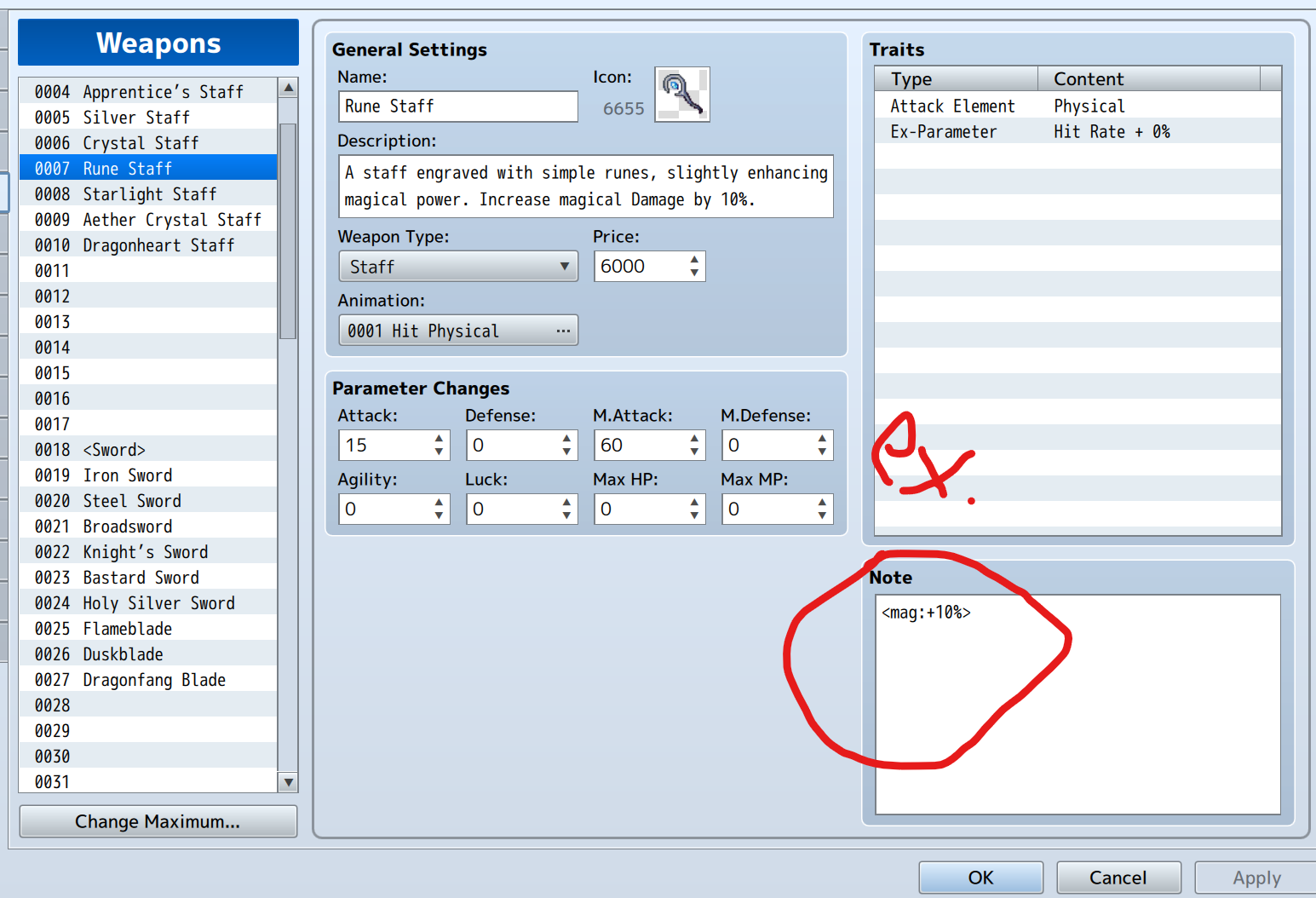
Notetags
(usable on Weapons, Armors, States, and Items):
<mag: +20%> // Magical attacks deal +20% damage <phy: -10%> // Physical attacks deal -10% damage <cert: +40%> // Certain hits deal +40% damage
Rules:
-
Multiple notetags stack additively
-
Negative values reduce damage
-
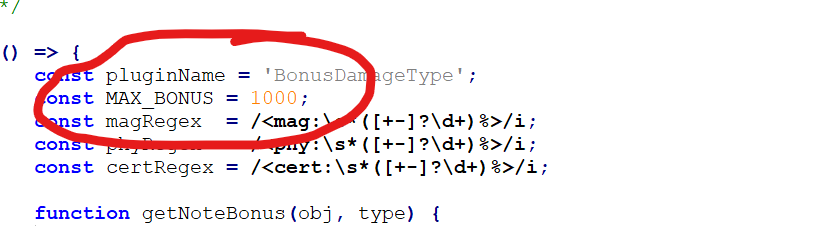
Bonus is capped at +1000% (can be changed in the plugin)
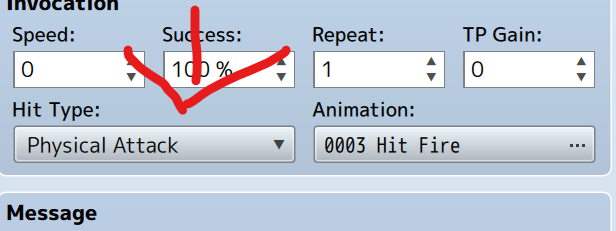
Hit Type mapping:
-
0 → Certain
-
1 → Physical
-
2 → Magical
3. No Menu Control MZ
Purpose:
Allows you to enable or disable the game menu dynamically via plugin commands.
Plugin Commands:
-
EnableMenu– unlocks the menu -
DisableMenu– locks the menu
Example usage:
NoMenuControl → DisableMenu NoMenuControl → EnableMenu
4. Philly’s Custom Item Sound Plugin
Purpose:
Plays a custom sound effect when an item is used.
Item Notetags:
<sfx: SoundName> <sfxVolume: 80> <sfxPitch: 120>
Details:
-
Sound files must be in
audio/se -
Volume range: 0–100 (default: 90)
-
Pitch range: 50–150 (default: 100)
-
If no notetags are present, the default sound effect is used
5. Philly’s Event Pop Up Plugin
Purpose:
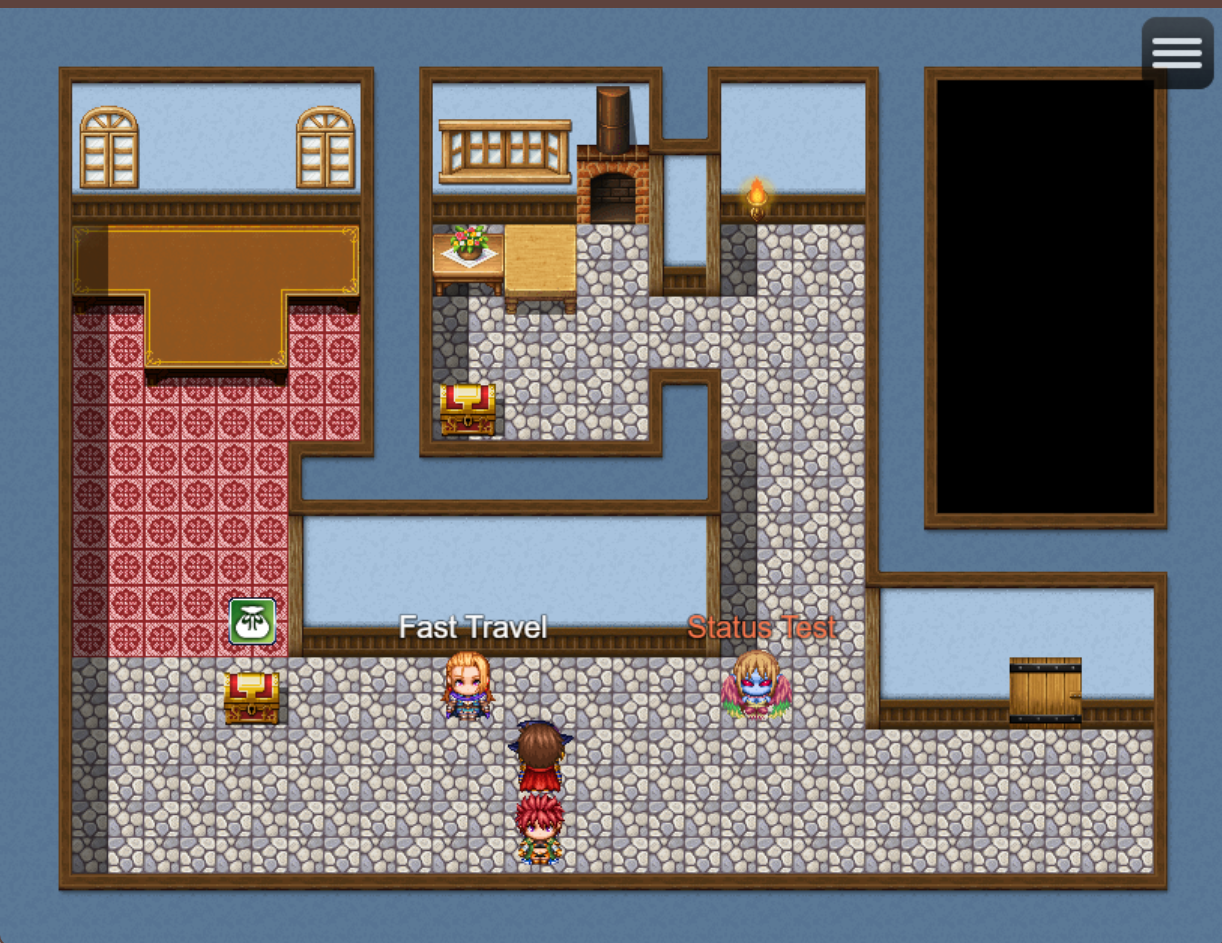
Displays text or icons above events when the player is within a certain tile range.
Features:
-
Tile-based detection range
-
Fade-in / fade-out effect
-
Supports text or icons
-
Custom text colors
Event Notetags:
<text: Danger!> <icon: 64> <range: 4> <color: #ff0000>
Color options:
-
Hex color code (e.g.
#ff0000) -
Color index (e.g.
2, usingColorManager.textColor(2))
Behavior:
-
Uses default range if
<range>is not defined -
Distance calculation includes diagonal movement
-
Font size is set via plugin parameters
-
Default text color is white (
#ffffff)
6. Philly’s Map Overlay Plugin
Purpose:
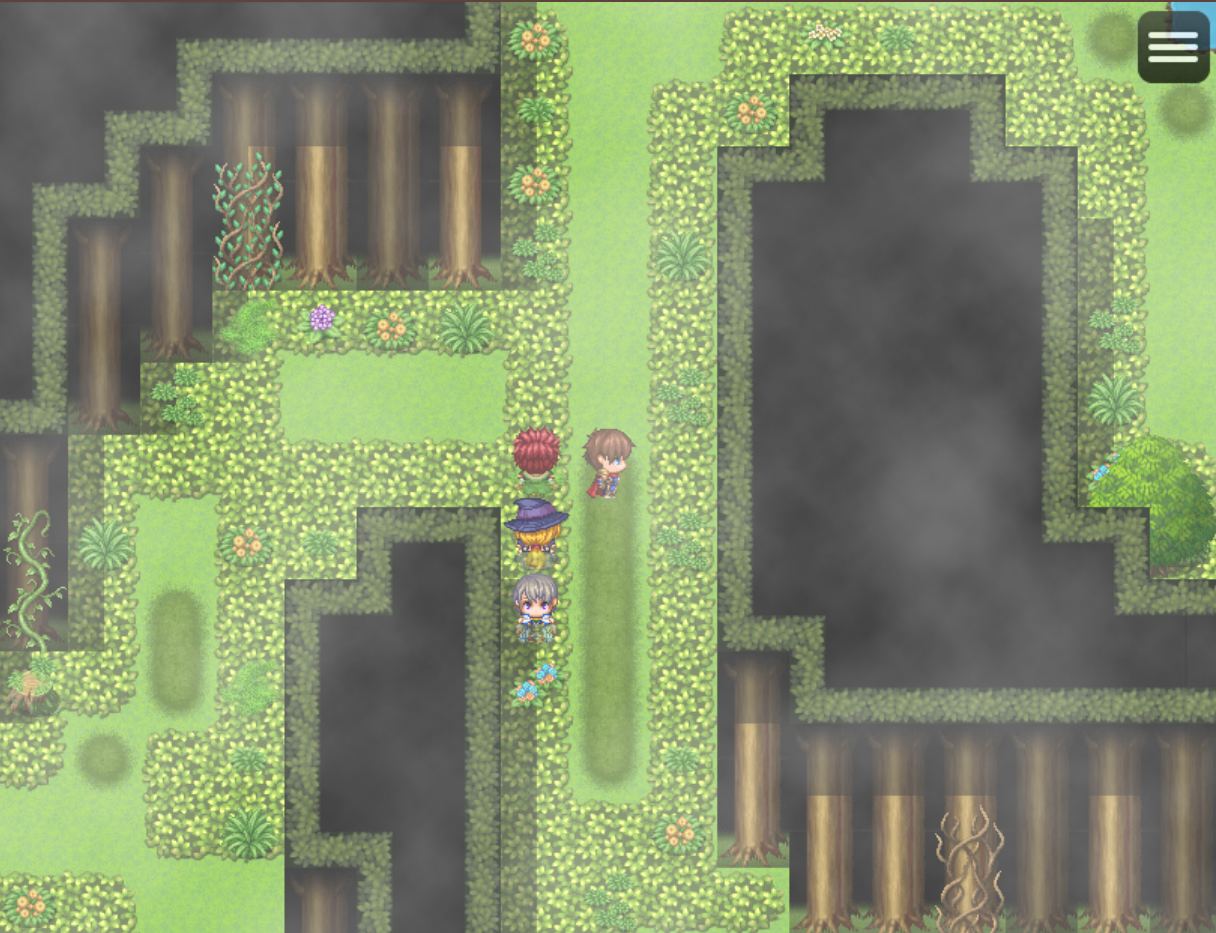
Adds visual overlays (fog, shadows, lighting, etc.) to maps.
Map Notetag:
<Overlay: filename opacity scrollX scrollY>
Parameters:
-
filename– image name fromimg/parallaxes(no extension) -
opacity– value from 0 to 255 -
scrollX/scrollY– scrolling speed
Example:
<Overlay: fog1 128 0.5 0>
→ Displays a semi-transparent fog overlay scrolling horizontally
7. Philly’s MapIconDisplay Plugin
Purpose:
Displays icons on the map relative to specific events, useful for markers or decorations.
Event Notetag:
<MapIcon: ID X Y>
Parameters:
-
ID– icon ID from the icon set -
X– horizontal offset in pixels (optional) -
Y– vertical offset in pixels (optional)
Examples:
<MapIcon: 128> <MapIcon: 64 16 -16> <MapIcon: 64 -20 -30>
Notes:
-
Each event can have its own icon
-
The plugin must be enabled in the Plugin Manager
-
Ensure the icon ID exists in the icon set
Summary
This plugin collection enhances RPG Maker MZ by adding:
-
Visual feedback and atmosphere (overlays, icons, pop-ups)
-
Better control over UI and flow (menu locking, actor-based game over)
-
Expanded combat mechanics (damage bonuses by hit type)
-
Improved immersion through sound and visual effects
All plugins are free and may also be used for commercial projects. Please note the EULA in the folder.
Download
Click download now to get access to the following files:
Development log
- Update #149 days ago
Leave a comment
Log in with itch.io to leave a comment.